
A4 · MONOCHROME · Laser
A better flow.For your working day.
Explore CWC P230 Laser Printer and find the configuration that fits your workplace.
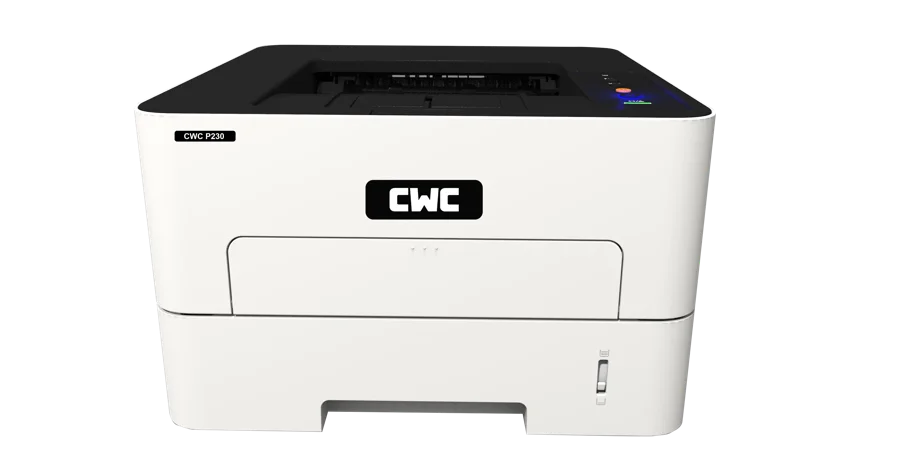
CWC P230 · THE HIGHLIGHTS
Your work.In focus.
Printing speed (A4): 33–35 ppm. Connection method: Network, WiFi and USB
33–35 ppmprint speed
AT A GLANCE
The essentials. Beautifully together.
Get to know the capabilities that matter to your working day.
Connection method: Network, WiFi and USB
Automatic duplex printing
Silent printing with reduced noise
Fast and efficient office performance
THOUGHTFUL DETAILS
It’s all in the everyday.
The features that help work flow.
01
Printing speed (A4): 33–35 ppm
02
Connection method: Network, WiFi and USB
03
Automatic duplex printing
04
Silent printing with reduced noise
05
Fast and efficient office performance
TECHNICAL SPECIFICATIONS
The details, when you need them.
Specifications reproduced from the CWC product catalogue. Print speed varies by document, settings and media. Optional accessories are sold separately. Confirm the supplied configuration, OS compatibility and warranty terms with CWC before purchase.
YOUR NEXT CHAPTER