
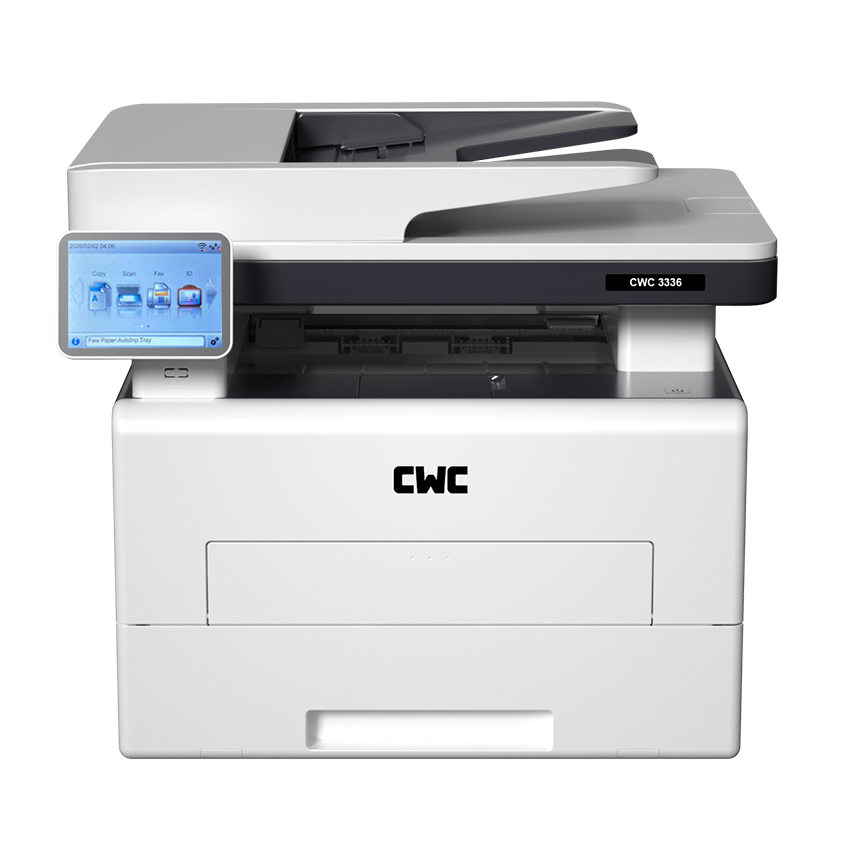
Whether you are going to a store or an online platform, you will see dozens of laser printers. Every one of them claims to be the best. Some really are well made. Others are just cheap machines with a nice photo. The problem is, you can't always tell the difference by reading the spec sheet.
This guide will help you spot the difference. We won't push any one brand. We'll just show you what to actually check before you spend your money.
What Makes a Laser Printer High Quality?
A high-quality laser printer is not about one number on a sheet: printing per minute. It's a mix of things — sharp print, steady output over time, and a running cost that won't drain your wallet later.
Here's what to look at.
DPI
DPI stands for dots per inch. It tells you how sharp your prints will look. Higher DPI means finer detail. This matters if you print logos, charts, or small fine text. For normal documents, a standard DPI is enough.
PPM
PPM means pages per minute. It tells you how fast the printer works. Speed matters a lot in offices where many people print all day. At home, with light printing, speed hardly matters.
Toner Quality and Print Consistency
This is where cheap printers often fail. Bad toner gives you patchy prints — some pages dark, some light, some with streaks. A good laser printer prints the same way from the first page to the last. Spec sheets won't tell you this. Real user reviews will.
Duty Cycle
Duty cycle is the number of pages a printer can safely handle each month. People often skip this number, but it matters a lot. If you buy a printer built for light use and push it hard every day, it will wear out fast.
Cost Per Page
The price you pay at the store is only half the story. What matters more is the toner cost divided by how many pages it prints. A printer that looks cheap now can cost you more over a year if the toner runs out fast or costs a lot.
10 Features to Check Before Buying a Laser Printer
Use this list when comparing printers, online or in a shop.
| # | Feature | Why It Matters |
|---|---|---|
| 1 | Print resolution (DPI) | Makes text and images look sharp |
| 2 | Print speed (PPM) | Shows how fast you get your prints |
| 3 | Toner quality | Affects how even your prints look |
| 4 | Print consistency | Tells you if quality stays the same over time |
| 5 | Automatic duplex printing | Prints both sides, saves paper |
| 6 | Wi-Fi/USB/network | Lets you print from more than one device |
| 7 | Duty cycle | Shows if it can handle your monthly load |
| 8 | Paper handling capacity | Fewer refills, less hassle |
| 9 | ADF functionality | Useful for scanning or copying multi-page files |
| 10 | Cost per page | The real number behind your running cost |
- Print resolution (DPI): Check this if you print fine detail. For plain text, a normal DPI works fine.
- Print speed (PPM): A higher PPM helps in busy offices with many users.
- Toner quality: Original toner usually gives better, more even results than cheap unbranded toner — though it costs a bit more.
- Print consistency: Look at reviews. See if people mention streaks or faded prints. This tells you more than any spec sheet.
- Automatic duplex printing: This prints on both sides on its own. Saves paper, saves time.
- Wi-Fi/USB/network connectivity: A Wi-Fi printer lets many devices connect without wires. Handy for homes and small offices.
- Duty cycle: Match this to how much you actually print. Don't buy a low-duty printer if you plan to print heavily every day.
- Paper handling capacity: A bigger tray means fewer refills. This matters more in busy offices than at home.
- ADF functionality: If you scan or copy many pages often, an ADF multifunction printer saves a lot of time compared to a flatbed scanner.
- Cost per page: Divide the toner price by its page yield. This one number tells you more about long-term cost than the printer's price tag.
How to Pick the Right Laser Printer for You
Once you know what to check, match it to how you'll use the printer.
Home Use vs Office Use
At home, you print now and then — forms, assignments, the odd page. A basic laser printer with decent DPI and low running cost is enough.
In an office, where many people print daily, speed, duty cycle, and connectivity matter more.
Low Volume vs High Volume Printing
If you print a few hundred pages a month, you don't need a printer built for thousands.
But if your business prints heavily every day, a low-duty printer will break down fast and cost more to fix or replace.
What's Essential, What's Optional
Must-have: decent DPI, a duty cycle that matches your use, and a fair cost per page. Nice-to-have, depending on your setup: Wi-Fi, ADF, colour printing, and automatic duplex.
If you're on a tight budget, say hunting for a laser printer under 5000, focus on the must-haves first. Treat the rest as a bonus.
If your budget is around 5000, then the CWC M4820NW Multifunction Printer is worth a look.
A Quick Note on Related Printer Types
While comparing options, it helps to know the basic categories. An A4 multifunction printer or A4 all-in-one printer can print, scan, and copy — all in one machine. An A3 colour laser multifunction printer is built for bigger paper sizes and office-scale colour work, usually at a higher price. And if you're still deciding between technologies altogether, it's worth reading up on laser vs inkjet printers separately — the right pick depends on whether you print mostly text or mostly photos.
Quick Answers (FAQs)
How can you tell if a laser printer is high quality? Look for even print output across a full toner cartridge, a duty cycle that fits your usage, and a fair cost per page — not just the price or the brand name.
What DPI is good for a high-quality laser printer? For normal text, a standard DPI is enough. If you print fine detail or small text often, go for a higher DPI.
Is PPM more important than DPI when choosing a printer? It depends on how you use it. Busy offices should focus on PPM. Light home users should focus more on DPI and cost per page.
What is a good cost per page for a laser printer? There's no fixed number. Compare toner price against page yield for each model. Pick the one with the lowest cost per page for how much you print.
Which laser printer features should you check before buying? DPI, PPM, toner quality, duty cycle, connectivity, paper handling, ADF (if you need it), and cost per page. Together, these cover quality, speed, and long-term cost.
Final Recommendation
There's no single "best" laser printer. There's only the best laser printer for your needs. Printing occasionally at home? Go for low upfront cost and fair running cost. Running an office? Focus on duty cycle, speed, and steady toner quality over a long feature list.
Before you buy, go through the 10-point checklist above. Compare cost per page across your shortlist. Check if toner is easy to find for that model. Do this, and you'll end up with a printer that actually holds up — not just one that looked good in the store.